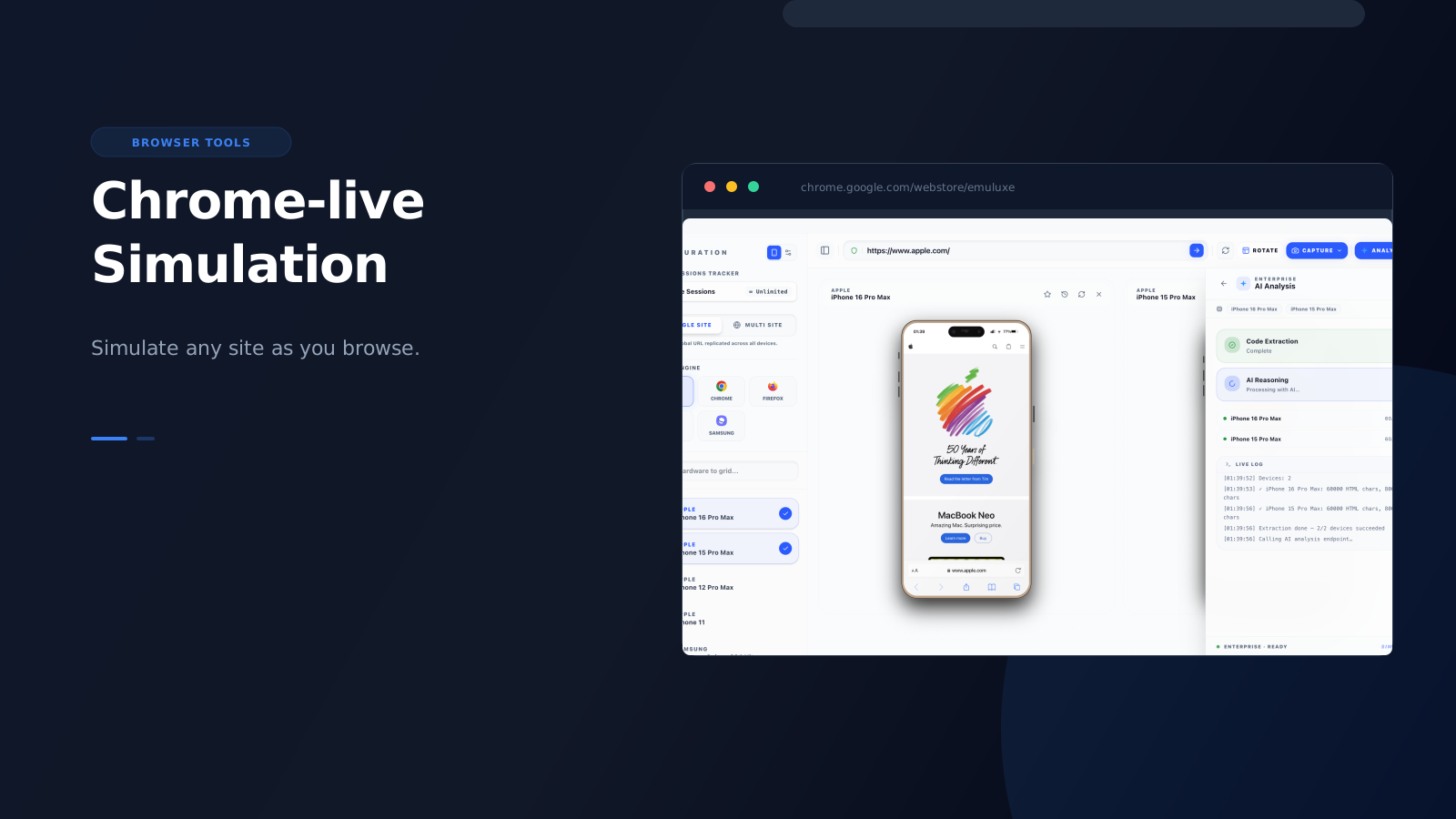
Localhost simulation is where teams build confidence while developing. Chrome is where that confidence gets tested against reality.
That is the role of the Emuluxe Chrome extension.
It is not supposed to replace the editor workflow. It is supposed to extend it. Once a page is on staging, production, or a client environment, Chrome becomes the fastest place to run high-fidelity mobile simulation against the real thing.
Why Chrome matters
A lot of mobile bugs are not visible until the page is live.
Maybe the CMS injected a slightly longer title. Maybe production assets load differently. Maybe a cookie banner, payment flow, or third-party script shifts the layout in ways localhost never showed.
This is why teams need a second surface after VS Code:
- VS Code / Cursor for localhost and staging while building
- Chrome for production validation and launch sign-off
Both should feel like one system, not two separate products. That is why keeping the same simulation engine across surfaces matters.
What to check on live sites
The Chrome workflow is most useful when you are validating:
- launch-critical landing pages
- PDP and checkout flows
- navigation and menus
- browser UI collisions (address bars, toolbars, navigation controls)
- safe areas on newer iPhones and foldables (notches, dynamic islands, home indicators)
- region-specific or campaign-specific pages
- third-party script behavior in production
- cookie banner and consent dialog interactions
This is where simple viewport resizing stops being enough. Live-site validation needs more than a smaller rectangle. It needs device context that is close enough to reality to help you trust what you are seeing. Emuluxe's Browser UI Engine renders realistic mobile chrome (address bars, toolbars) so you can account for the screen real estate consumed by the browser itself, and the Safe Area Overlay tool visualizes regions in real-time to catch content overlapping with hardware obstructions.