A page can feel fast on your laptop and still feel frustrating on real mobile networks.
That is one of the reasons teams ship pages that are technically “optimized” but still underperform in production.
Why local testing can be misleading
Most local development happens under comfortable conditions:
- strong Wi-Fi
- fast CPU
- cached assets
- desktop browser behavior
That is not how a large share of mobile users experience the web.
When you simulate 3G or 4G conditions, you start seeing the parts of the experience that break under pressure:
- delayed interactions
- late-loading media
- sticky layout shifts
- heavy scripts that block useful rendering
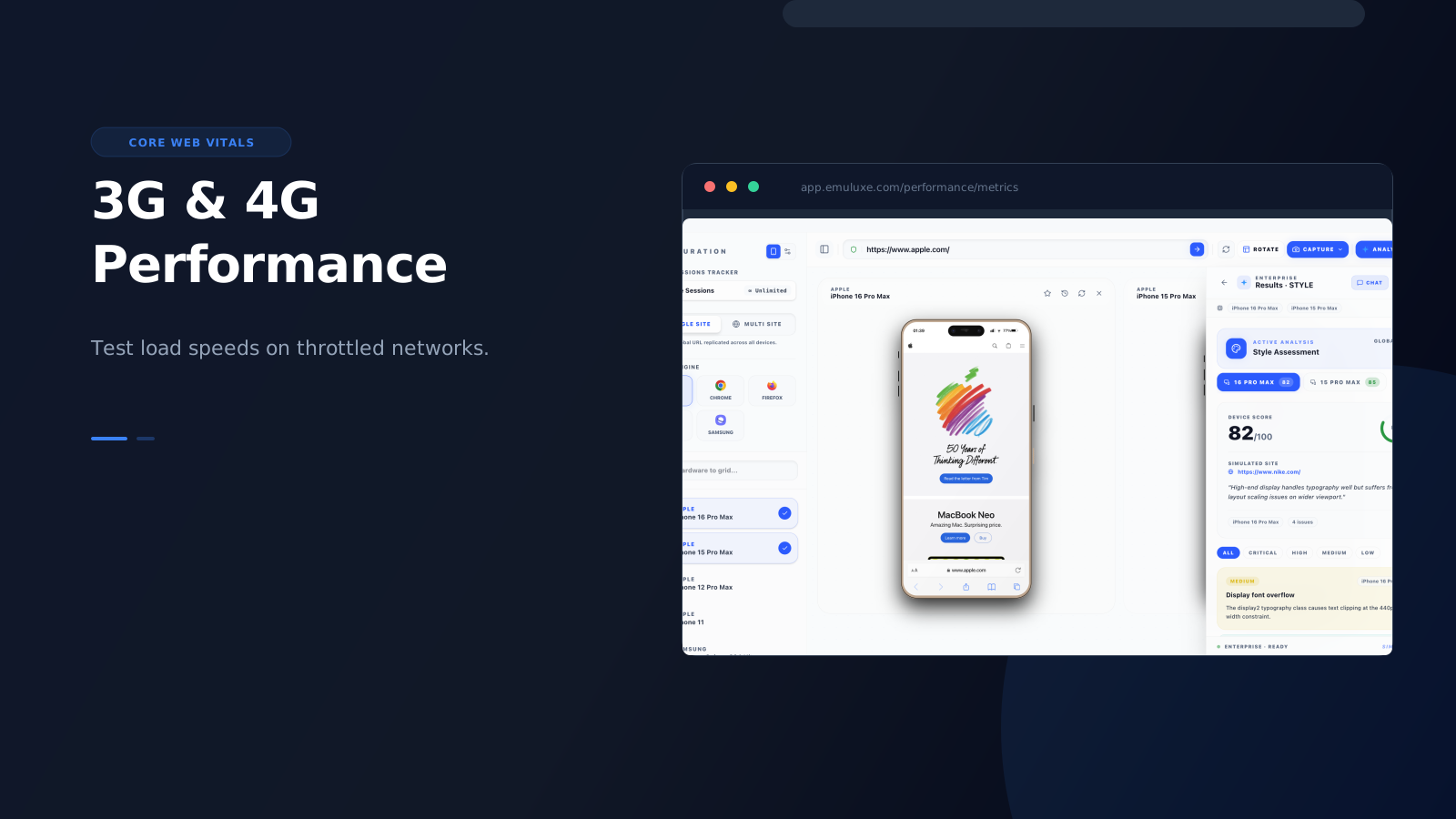
Emuluxe provides network profiles based on real-world carrier data: 4G/LTE (30 Mbps down, 15 Mbps up, 40ms latency), Fast 3G (1.5 Mbps down, 750 Kbps up, 100ms latency), Slow 3G (780 Kbps down, 330 Kbps up, 300ms latency), and Edge/2G (240 Kbps down, 200 Kbps up, 600ms latency). Advanced Throttle goes beyond simple bandwidth caps by simulating packet jitter and throughput variance found in actual wireless networks, giving you a more accurate picture of how your page performs under realistic mobile conditions.
What to simulate first
The most valuable pages to test under mobile network conditions are:
- homepages
- landing pages
- PDPs
- cart and checkout
- onboarding flows
These are the pages where latency and jank directly affect conversion or trust.
What high-fidelity simulation changes
Basic throttling is better than nothing, but high-fidelity mobile simulation gives the team a more coherent testing context.
Instead of treating network conditions as a separate concern, the team can evaluate: