Most frontend teams do not have a simulation problem. They have a workflow problem.
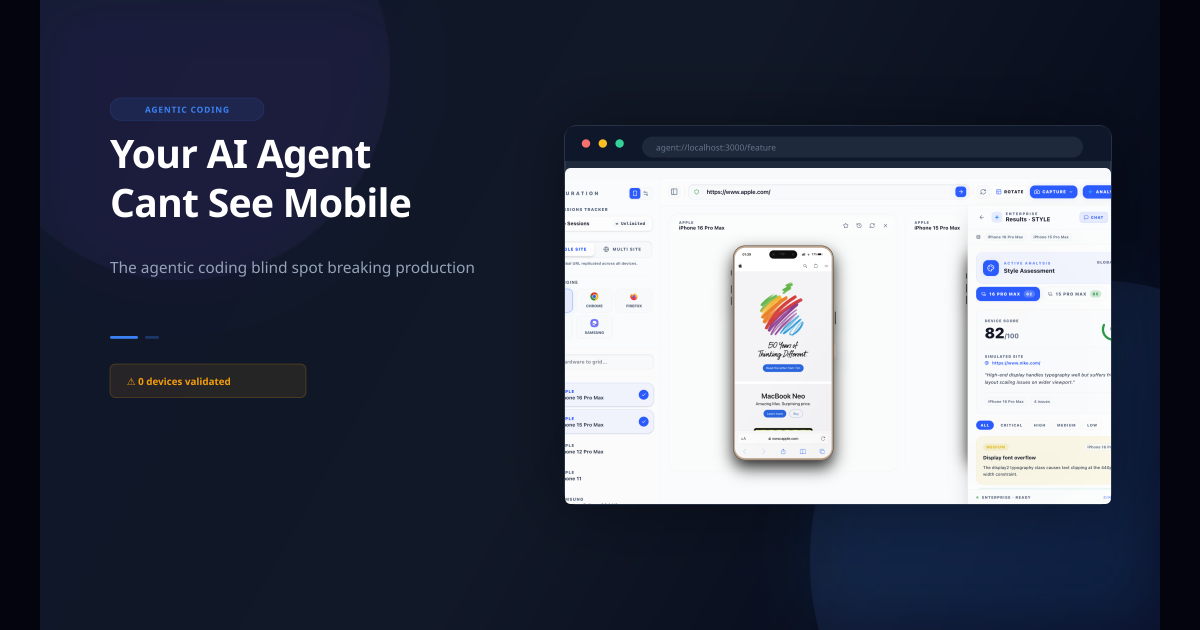
They can resize the browser. They can open DevTools. They can even pull out a phone. What they usually cannot do is run high-fidelity mobile simulation in the same place where they are writing and fixing the code.
That is why localhost checks often happen too late. Teams ship desktop-first, glance at mobile near the end, and then burn time chasing layout bugs, safe-area issues, or browser UI regressions under deadline pressure.
Why localhost simulation matters
The earlier you simulate mobile behavior, the cheaper it is to fix.
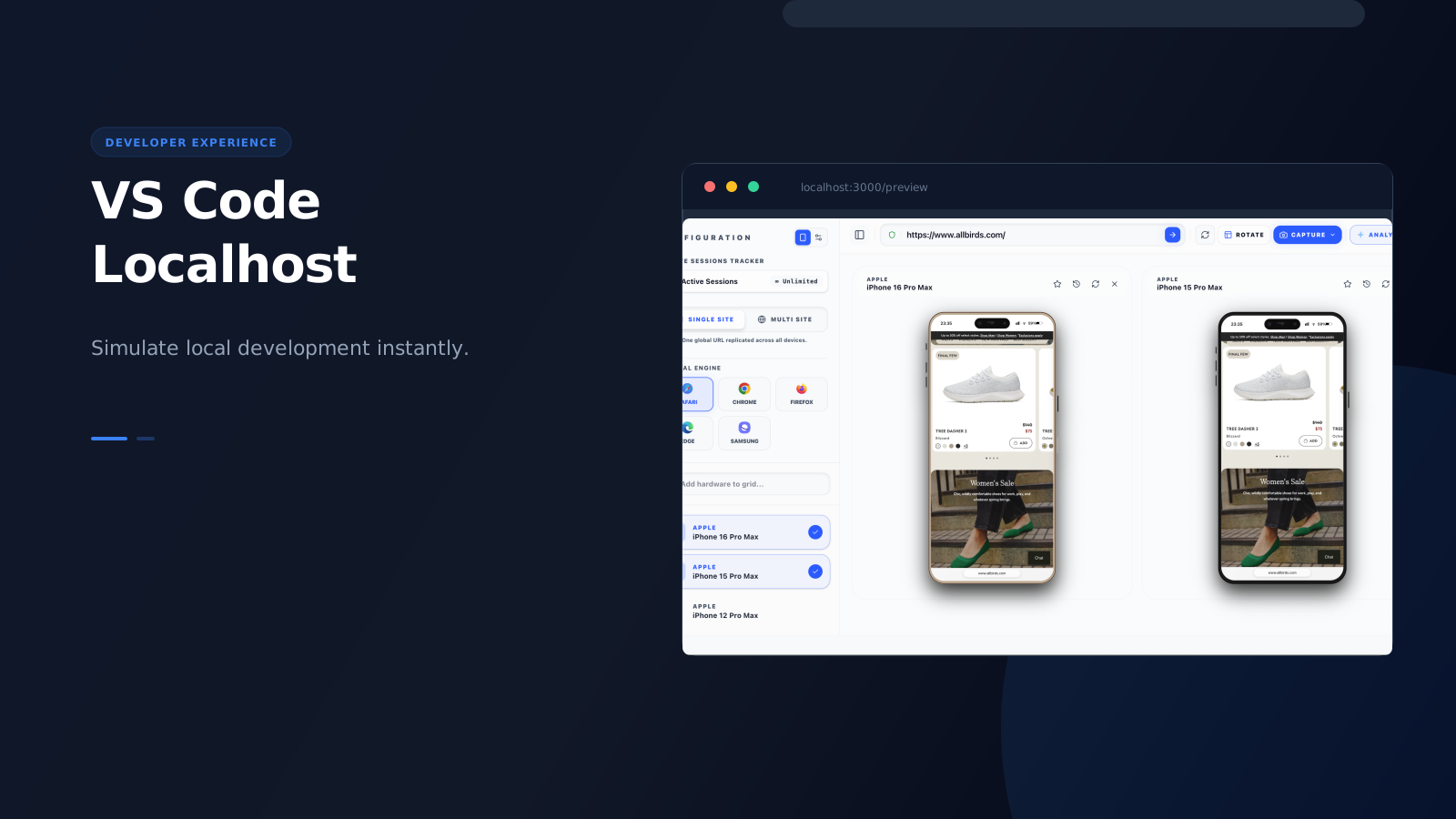
Running simulation against localhost lets you:
- catch layout problems before staging
- test safe areas and orientation changes while components are still in flux
- verify responsive changes before committing them
- move directly from visual issue to code fix without switching tools
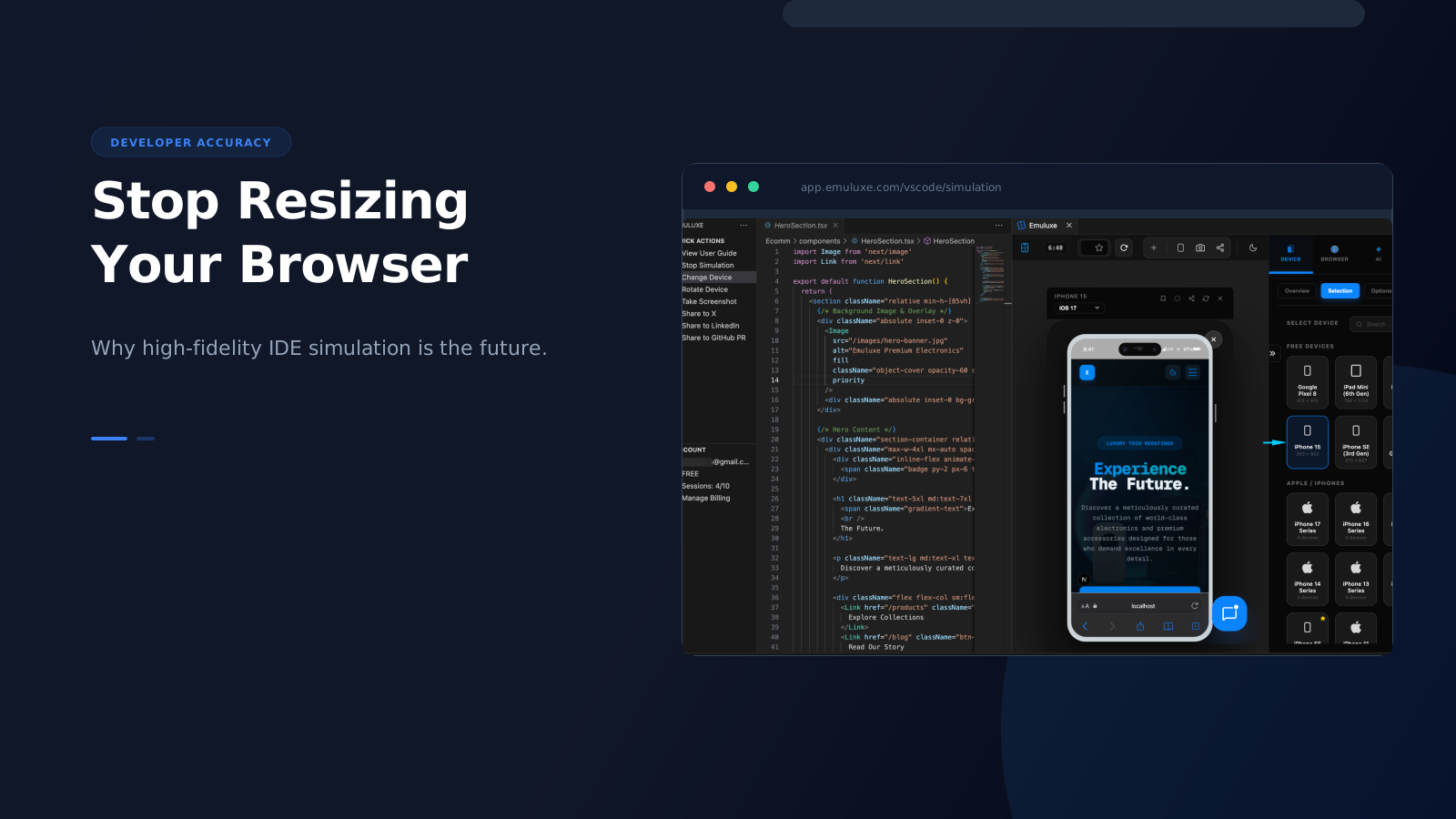
That is where VS Code becomes the best entry point for Emuluxe. The goal is not just to render a small screen. The goal is to bring real device context into the editor workflow.
A better workflow than resize-and-guess
When teams use Emuluxe inside VS Code, the flow becomes much tighter:
- Start the local app.
- Launch Emuluxe from the editor using
Cmd+Alt+Eto toggle the simulator panel. - Choose the device profile you actually care about from the Foundry grid or Command Palette.
- Inspect layout, spacing, and interaction behavior with real-time hardware fidelity.
- Rotate to landscape, capture proof, and fix immediately without leaving the editor.
That sounds simple, but the difference is huge in practice. You are no longer doing a fake mobile check at the edge of the workflow. You are simulating mobile while building. The VS Code extension integrates the Foundry panel directly into an editor tab, giving you deep DOM mapping and side-by-side simulation with hot-reload tunneling that pushes your changes instantly to the simulator.